
Download the Sky Glass IPTV App – Free Setup Guide for UK Viewers
Whether you are setting up IPTV for the first time or switching to a more reliable streaming solution, this page gives you everything you need. Download the Sky Glass IPTV app, get your free downloader code, and follow our step-by-step activation guide for Firestick, Android TV, Smart TV, iOS, and more.
Free Sky Glass IPTV Downloader Code
6478532
Enter this in the Downloader app on any Firestick or Android device to install instantly.
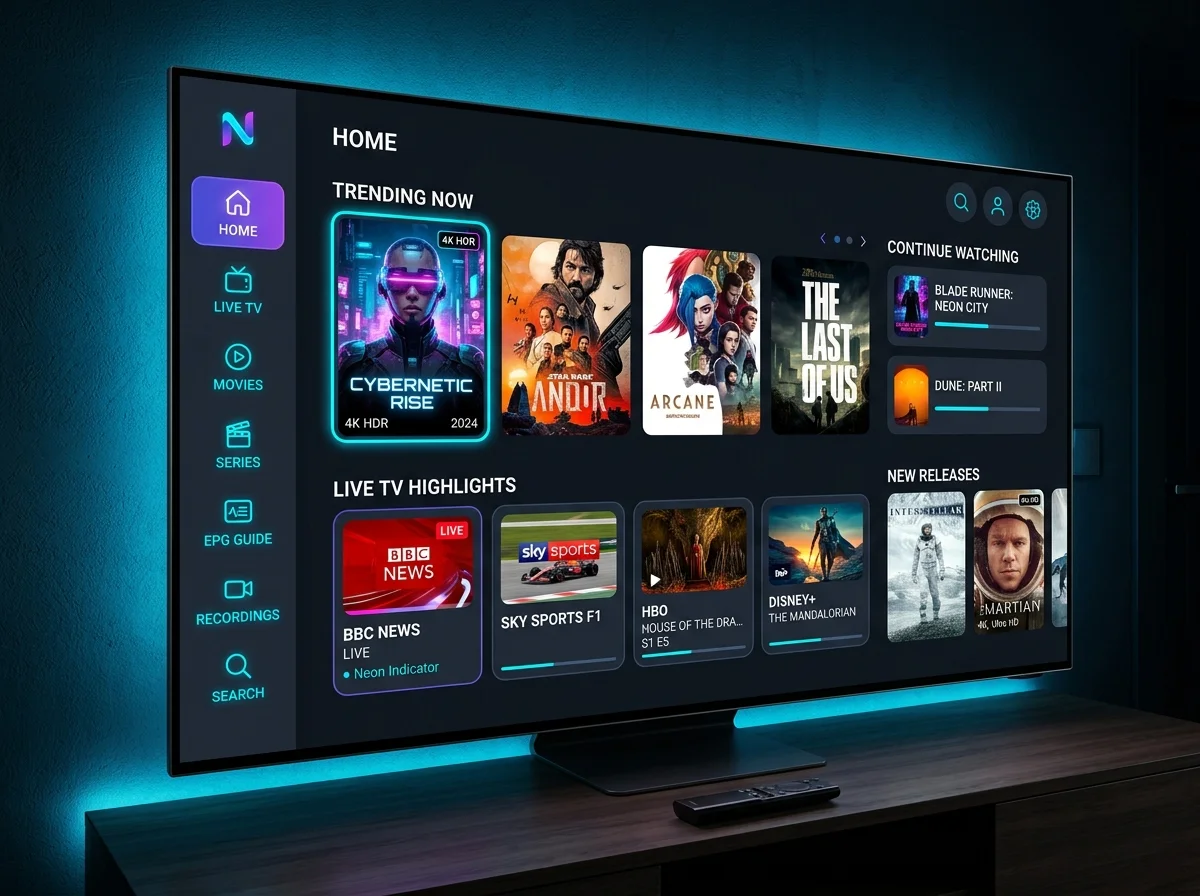
Key Capabilities of the Sky Glass IPTV Application
9,000+ Live TV Channels
Support for 9,000+ live TV channels including UK, sports, news, entertainment, and international content.
Full HD, 4K & Ultra HD
Full HD, 4K, and Ultra HD streaming quality across supported devices.
Electronic Programme Guide
EPG for easy channel browsing — never miss a show with a full TV schedule.
Catch-Up TV
Catch-up TV to rewatch missed broadcasts on demand.
Smart Search
Smart Search to instantly locate any channel, movie, or series.
Favourites & Custom Playlists
Personal favourites and custom playlist management. Xtream Codes and M3U URL compatibility with all major IPTV providers.
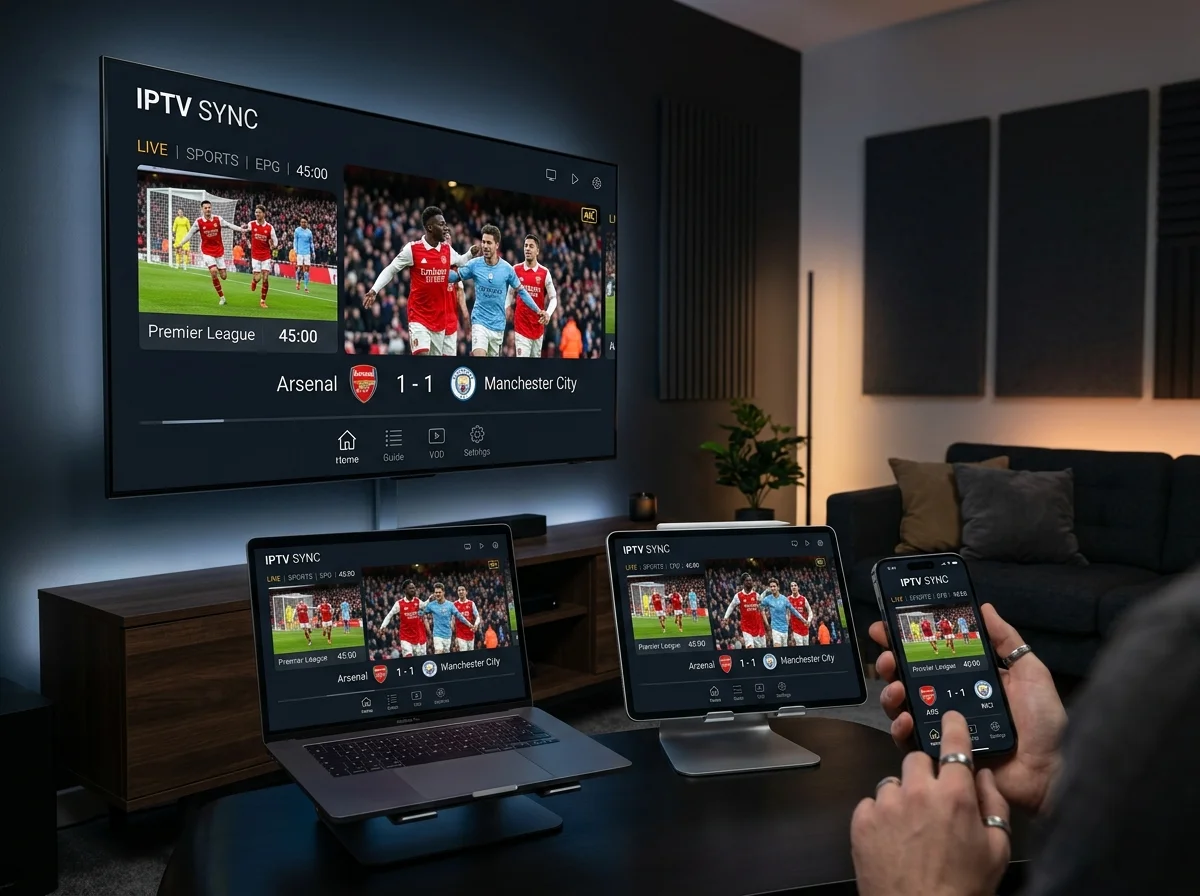
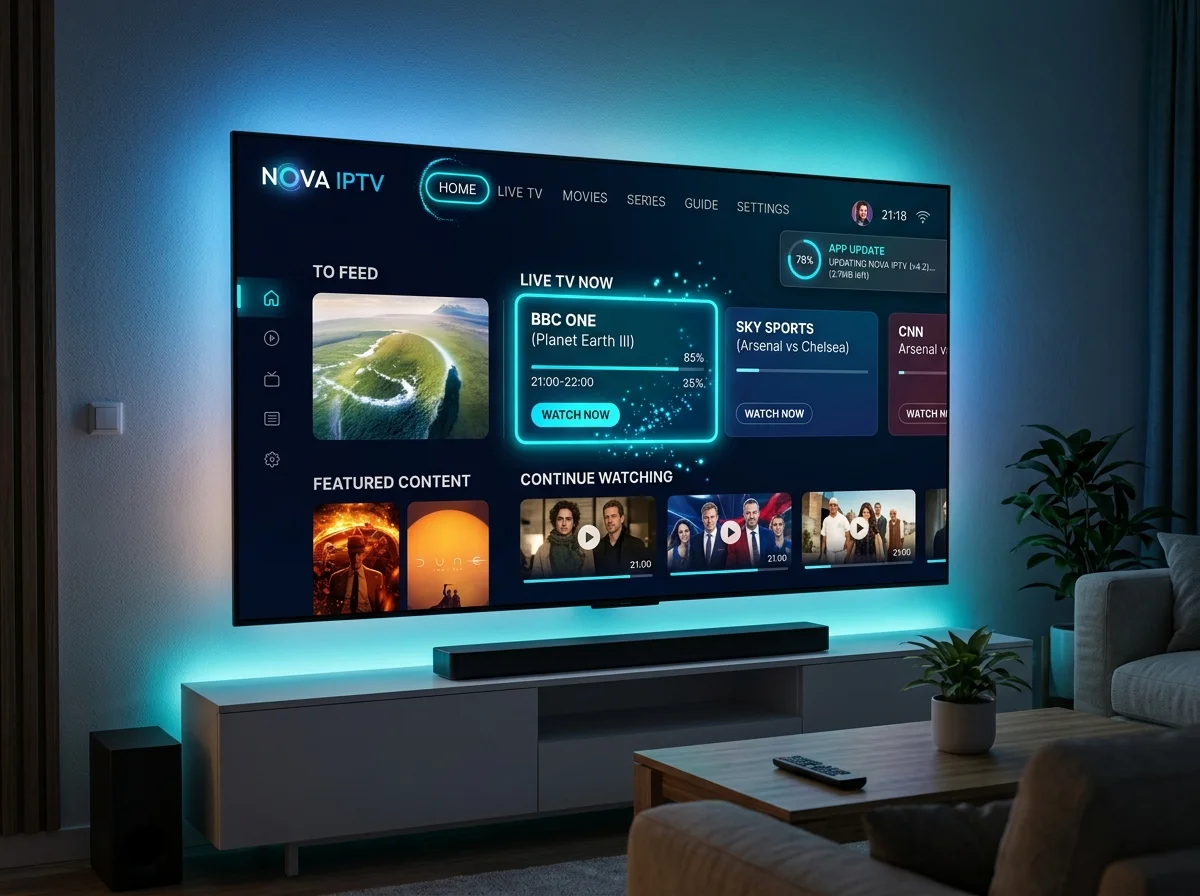
How to Set Up Sky Glass IPTV on Every Device
Sky Glass IPTV is engineered for broad compatibility. Below is the complete device-by-device setup guide covering all major platforms.
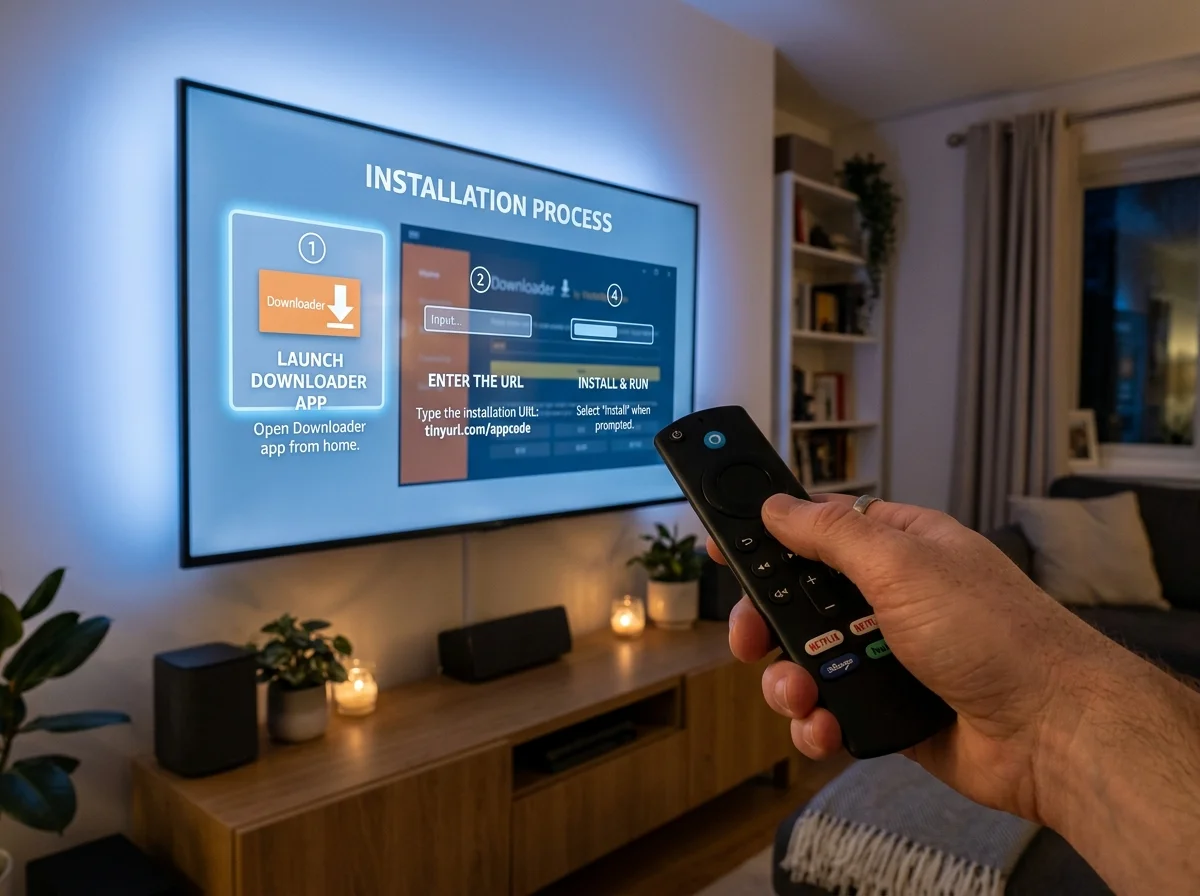
Firestick & Fire TV
Use the free downloader code 6478532 inside the Downloader app to sideload the Sky Glass IPTV APK. Enable installation from unknown sources in Developer Options first. Log in with your Xtream Codes credentials after installation.
Android TV, Android Box & Android Mobile
Download the Sky Glass IPTV APK directly via any browser or the Downloader app using the code 6478532. Enable ‘Install Unknown Apps’ in your device settings. Open the APK file once downloaded and follow the on-screen installation prompts. Log in with your subscription credentials.
iPhone, iPad & Apple TV (iOS)
The Sky Glass IPTV APK is not directly available on the Apple App Store. For iOS devices, we recommend downloading either Smarters Player Lite or Ibo Player from the App Store. Contact our support team to receive your M3U playlist URL or login details, which you can enter inside the player app.
Samsung & LG Smart TV (WebOS / Tizen)
For Samsung and LG Smart TVs without direct APK support, download the Ibo Player app from your Smart TV app store. Note your MAC address and device key shown in the Ibo Player interface, then share these details with our WhatsApp support team. We will add your device and provide access within minutes.
Windows & Mac Computer
To use Sky Glass IPTV on a Windows or Mac machine, install the BlueStacks Android emulator and sideload the Sky Glass IPTV APK. Alternatively, search for IPTV Smarters Expert from the Microsoft Store on Windows. Enter your subscription credentials in the app to begin streaming.
MAG Box & Enigma2 / Stalker Devices
For MAG Boxes and Enigma2 receivers, contact our support team on WhatsApp and provide your device MAC address. We will register your device on our server and supply a Portal URL. Enter this URL in the Portal Address field within your device settings, then reload the portal to access all live channels and VOD content.
Roku Devices
For Roku TV and Roku streaming sticks, search for Ibo Player or IPTV Player within the Roku Channel Store and install from there. Once installed, contact our support team to link your IPTV subscription.
Troubleshooting – Common Installation & Streaming Issues
Encountering a problem during setup? Here are solutions to the most frequently reported issues with the Sky Glass IPTV downloader code and app installation.
Downloader Code Not Working
Double-check the code (6478532). Codes are case-sensitive and version-specific. Try using the direct APK URL instead via the Downloader app.
Download Fails Mid-Way
Check your internet connection and available storage on your device. Restart the Downloader app and try again.
App Crashes on Opening
Uninstall any previous version of the app before reinstalling. Clear the app cache in device settings.
Cannot Install Unknown Apps
Go to Settings > My Fire TV > Developer Options and toggle ‘Apps from Unknown Sources’ to ON. For Android: Settings > Security > Unknown Sources.
Playlist or Channels Not Loading
Verify your Xtream Codes credentials (username, password, server URL) are entered correctly. Ensure your subscription is active.
Buffering or Freezing
Minimum recommended internet speed is 20 Mbps. Connect via Ethernet if possible. Contact support if buffering persists — it may indicate a server-side issue.
EPG Not Showing
Allow a few minutes for the Electronic Programme Guide to populate after first launch. If it remains empty, clear the app cache and restart.
9,000+ Live TV Channels
Comprehensive UK, European, and international channel lineup.
Ultra HD, 4K & 8K Streaming
Crisp visuals optimised for modern Smart TVs.
Premium Sports Coverage
Live Premier League, Champions League, La Liga, F1, Boxing, and PPV events.
Extensive VOD Library
Thousands of movies and full TV series seasons on demand.
Anti-Buffering Technology
Stabilised servers engineered for uninterrupted playback.
Multi-Device Access
One subscription, multiple simultaneous screens across all platforms.
Catch-Up TV
Never miss an episode — rewatch content from the past 7 days.
UK-Based Technical Support
Instant WhatsApp and Telegram assistance 7 days a week.
Regular App Updates
Continuous improvements for stability, new features, and compatibility.
Compatible with all Firestick, Android TV, iOS, Windows, MAG Box, Enigma2, and Roku devices.
Minimum System Requirements
Before downloading, confirm your device meets the following technical requirements for the best streaming experience.
Frequently Asked Questions (FAQ)
The Sky Glass IPTV downloader code is a short numeric code (6478532) used inside the AFTVnews Downloader app on Firestick and Android devices. Entering this code automatically downloads and installs the Sky Glass IPTV APK without needing to type a long URL.
Yes — the Sky Glass IPTV application is completely free to download and install. However, to stream live TV channels, movies, and sports content, you need an active IPTV subscription from Sky Glass IPTV UK. Visit our Buy Now page to explore available subscription packages.
A VPN is not required to use Sky Glass IPTV. However, using a VPN is recommended to enhance your online privacy, bypass any potential ISP throttling, and protect your streaming activity. A VPN can also help access geo-restricted content from outside the UK.
Sky Glass IPTV is compatible with Firestick, Fire TV, Android TV, Android Box, Android smartphones and tablets, iPhone, iPad, Apple TV, Samsung Smart TV, LG Smart TV, MAG Box, Enigma2 receivers, Windows PC, Mac (via BlueStacks), and Roku devices.
Downloader codes can occasionally expire or be updated when a new app version is released. If your current code does not work, contact our WhatsApp support team for the latest working code or direct APK download link. We provide instant assistance to all subscribers.
Yes. In the case of a service issue that our technical team is unable to resolve, a full refund will be provided. We stand behind the quality of our streaming infrastructure and support our customers fully.
For most devices, the complete setup process takes under 5 minutes. Downloading and installing the APK takes approximately 1 to 2 minutes. Logging in and waiting for channels to load adds a further minute. Our team is available on WhatsApp to guide you through every step in real time.