
Best IPTV Player in 2026: Top Apps for Every Device
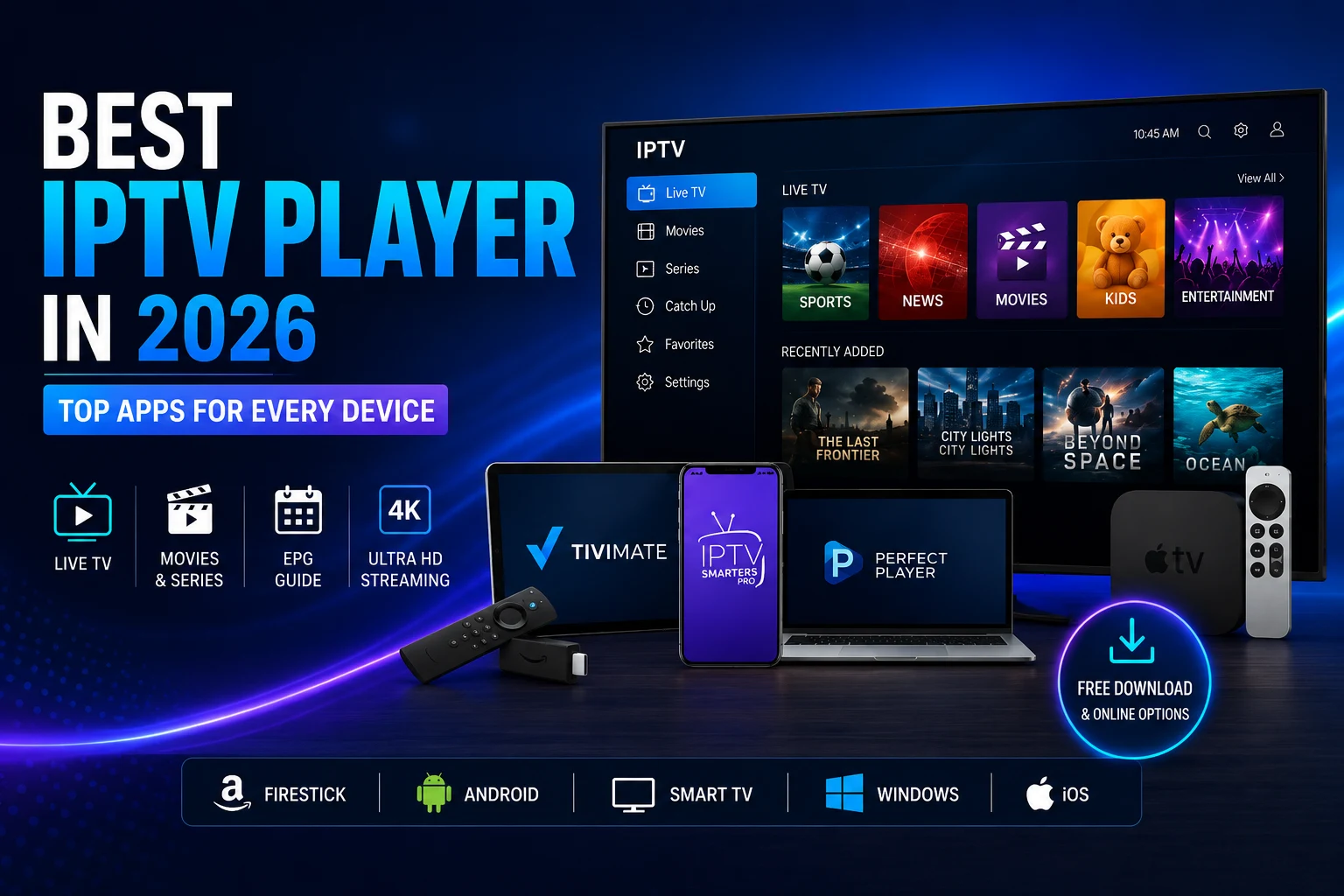
The player you choose can change how an IPTV subscription feels in everyday use. Two people can use the same service and have very different experiences simply because one app offers better navigation, playlist handling and programme-guide support.
An IPTV player is the viewing interface between your device and the subscription you already have. This guide looks at the main player options across Firestick, Android TV, Apple devices and Windows, then explains the safest way to connect a playlist or Xtream Codes API account.
1. What Is an IPTV Player?
An IPTV player is software that receives stream information and presents it as live television, video-on-demand and, where supplied, an Electronic Programme Guide (EPG). The player does not normally create the channels itself. Instead, it uses information supplied through an M3U playlist, M3U8 file or Xtream Codes API login.
That distinction matters. Installing a player does not automatically give you a channel catalogue. You still need an active subscription or another legitimate source that the application can load.
A capable player can make a large catalogue easier to manage by adding favourites, categories, EPG data, parental controls, multiple playlists and device-friendly navigation.
+-----------------------------------------------------------------------+
|                         IPTV PLAYER ARCHITECTURE                      |
+--------------------------+--------------------+-----------------------+
| INPUT DATA               | PROCESSING ENGINE  | DISPLAY OUTPUT        |
+--------------------------+--------------------+-----------------------+
| • M3U Playlist Link      | • Video Decoders   | • Live TV Grid (EPG)  |
| • Xtream Codes Credentials| • XMLTV Parser     | • On-Demand (VOD)     |
| • Stalker Portal MAC     | • HW+ Acceleration | • Multi-Screen View   |
+--------------------------+--------------------+-----------------------+
2. Top IPTV Player Apps Compared
| App Name | Best Platform | Standout Feature | Pricing Model |
| TiviMate | Firestick / Android TV | Cable-style EPG layout and TV-focused navigation | Free base / paid Premium upgrade |
| IPTV Smarters Pro | iOS, Android, PC and compatible platforms | Consistent interface with VOD organisation | Free with optional in-app purchases |
| GSE Smart IPTV | Apple ecosystem | Native iOS playback features and AirPlay support | Freemium |
| Perfect Player | Older hardware / Windows | Lightweight interface with low overhead | Free |
| Sky Glass IPTV App | Firestick / Android TV | Custom interface with live-channel previews | Dedicated download |
3. Which Platform Suits Each Player?
Firestick and Android TV
- TiviMate is designed around television navigation, so its grid-based EPG and remote-friendly controls make sense on Firestick and Android TV. The Sky Glass IPTV App is another option for users who prefer a dedicated interface built around a UK-style television experience.
- For either option, actual playback quality still depends on the device, connection, stream source and subscription behind the player.
iPhone, iPad and Apple TV
- GSE Smart IPTV is designed around Apple hardware and provides an interface suited to touchscreens and Apple TV use. Check the current App Store listing for compatibility before installing because application availability can vary by device and region.
Windows 10 and 11
A Windows computer gives you several routes. IPTV Smarters Pro provides a dedicated interface where a compatible build is available. VLC can also open M3U playlists directly, while Kodi can be configured with an IPTV Simple Client add-on for a more custom setup.
- 4. How to Connect an IPTV Subscription
- Install the player from the device's recognised app store, or use Downloader only when the application is legitimately distributed as an APK.
- Open the player and choose the login method supported by your subscription. Common options are Xtream Codes API or an M3U URL/file.
Enter the supplied server URL, username and password carefully. If an M3U address is provided instead, paste the complete playlist URL.
Allow the application time to import channels, categories and EPG information. Large playlists can take longer to load.
+-----------------------------------------------------------------------+
|                     4-STEP PLAYER SETUP WORKFLOW                      |
+-----------------------------------------------------------------------+
 [1. Download App] ---> [2. Input Credentials] ---> [3. Sync EPG Data] ---> [4. Organize Favorites]
- Create a favourites list so the channels you watch most often are easy to reach.
- Sideloading Safety
- Use APK files from a source you trust and can verify.
- An IPTV player normally needs network access; be cautious if an installer requests unrelated permissions such as contacts or SMS.
After installation, review the Firestick or Android setting that permits installation from unknown sources and switch it back when appropriate.
Keep the Firestick, Android TV device or computer updated so the player runs against supported system software.
Frequently Asked Questions
There is no single player that suits every device. IPTV Smarters Pro and TiviMate both offer useful free access or free tiers, while the right choice depends on your platform, preferred interface and the login format your subscription provides.
Yes. Some browser-based IPTV players accept supported playlist or account details and run through browsers such as Chrome, Safari or Edge. Browser compatibility and features vary, so check the individual service before relying on it.
No. A player is software for loading and presenting content. You need an active subscription or another supported content source before channels or VOD can appear.