Download the Sky Glass IPTV App – Free Setup Guide for UK Viewers
Whether you’re setting up IPTV for the first time or switching to a more reliable streaming solution, this page gives you everything you need. Download the Sky Glass IPTV app, get your free downloader code, and follow our step-by-step activation guide for Firestick, Android TV, Smart TV, iOS, and more.
Free Sky Glass IPTV Downloader Code
5293334
Enter this in the Downloader app on any Firestick or Android device to install instantly.

Key Capabilities
- Support for 30,000+ live TV channels including UK, sports, news, entertainment, and international content
- Full HD, 4K, and Ultra HD streaming quality across supported devices
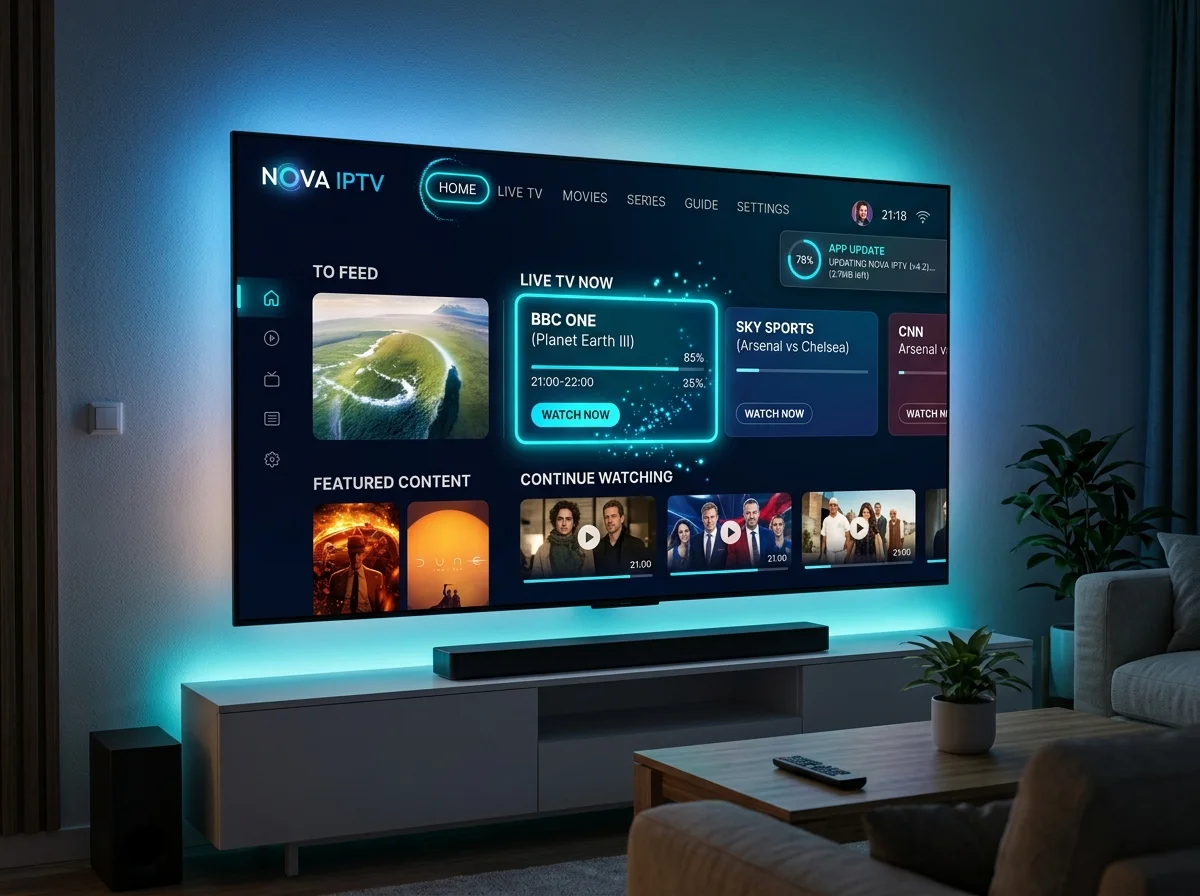
- Electronic Programme Guide (EPG) for easy channel browsing
- Catch-up TV to rewatch missed broadcasts on demand
- Smart Search to instantly locate any channel, movie, or series
- Personal favourites and custom playlist management
- Xtream Codes and M3U URL compatibility with all major IPTV providers
Sky Glass IPTV Downloader Code – How It Works
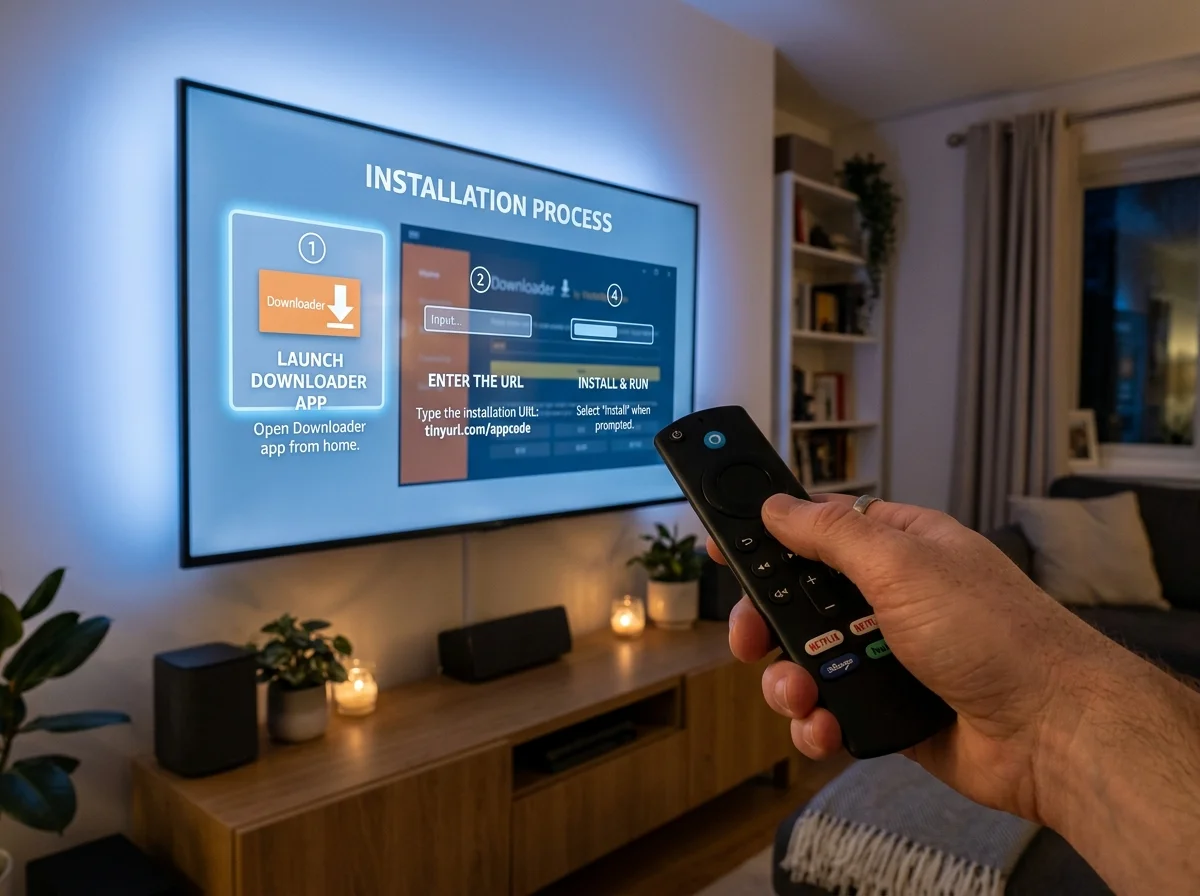
A downloader code is a short numeric code used inside the Downloader app (by AFTVnews) on Firestick, Fire TV, and Android TV devices. Instead of typing a long URL, you simply enter the code and the Downloader app fetches and installs the Sky Glass IPTV APK automatically.
How to Set Up Sky Glass IPTV on Every Device
Sky Glass IPTV is engineered for broad compatibility. Below is the complete device-by-device setup guide covering all major platforms.
Firestick & Fire TV
Use the free downloader code 5293334 inside the Downloader app to sideload the Sky Glass IPTV APK. Enable installation from unknown sources in Developer Options first, then log in with your Xtream Codes credentials.
Android TV, Box & Mobile
Download the APK directly via any browser or the Downloader app using code 5293334. Enable “Install Unknown Apps,” open the downloaded file, and log in with your subscription credentials.
iPhone, iPad & Apple TV
The APK isn’t available on the Apple App Store. Download Smarters Player Lite or Ibo Player instead, then contact our support team for your M3U playlist URL or login details.
Samsung & LG Smart TV
Download the Ibo Player app from your Smart TV app store. Note your MAC address and device key shown in the app, then share these with our WhatsApp support team.
Windows & Mac
Install the BlueStacks Android emulator and sideload the APK, or search for IPTV Smarters Expert from the Microsoft Store on Windows. Enter your subscription credentials to begin streaming.
MAG Box & Enigma2
Contact our support team on WhatsApp with your device MAC address. We’ll register your device and supply a Portal URL to enter in your device settings.
Roku Devices
Search for Ibo Player or IPTV Player within the Roku Channel Store and install from there. Once installed, contact our support team to link your subscription.
Common Installation & Streaming Issues
Encountering a problem during setup? Here are solutions to the most frequently reported issues with the Sky Glass IPTV downloader code and app installation.
Downloader Code Not Working
Double-check the code (5293334). Codes are case-sensitive and version-specific. Try using the direct APK URL instead via the Downloader app.
Download Fails Mid-Way
Check your internet connection and available storage on your device. Restart the Downloader app and try again.
App Crashes on Opening
Uninstall any previous version of the app before reinstalling. Clear the app cache in device settings.
Cannot Install Unknown Apps
Go to Settings > My Fire TV > Developer Options and toggle “Apps from Unknown Sources” to ON. For Android: Settings > Security > Unknown Sources.
Playlist or Channels Not Loading
Verify your Xtream Codes credentials (username, password, server URL) are entered correctly. Ensure your subscription is active.
Buffering or Freezing
Minimum recommended internet speed is 20 Mbps. Connect via Ethernet if possible. Contact support if buffering persists — it may indicate a server-side issue.
EPG Not Showing
Allow a few minutes for the Electronic Programme Guide to populate after first launch. If it remains empty, clear the app cache and restart.
Why Choose Sky Glass IPTV UK?
With dozens of IPTV providers competing for your attention, here’s why Sky Glass IPTV stands apart as the premium choice for UK viewers.
- 30,000+ Live TV Channels — comprehensive UK, European, and international channel lineup
- Ultra HD, 4K & 8K Streaming — crisp visuals optimised for modern Smart TVs
- Premium Sports Coverage — live Premier League, Champions League, La Liga, F1, Boxing, and PPV events
- Extensive VOD Library — thousands of movies and full TV series seasons on demand
- Anti-Buffering Technology — stabilised servers engineered for uninterrupted playback
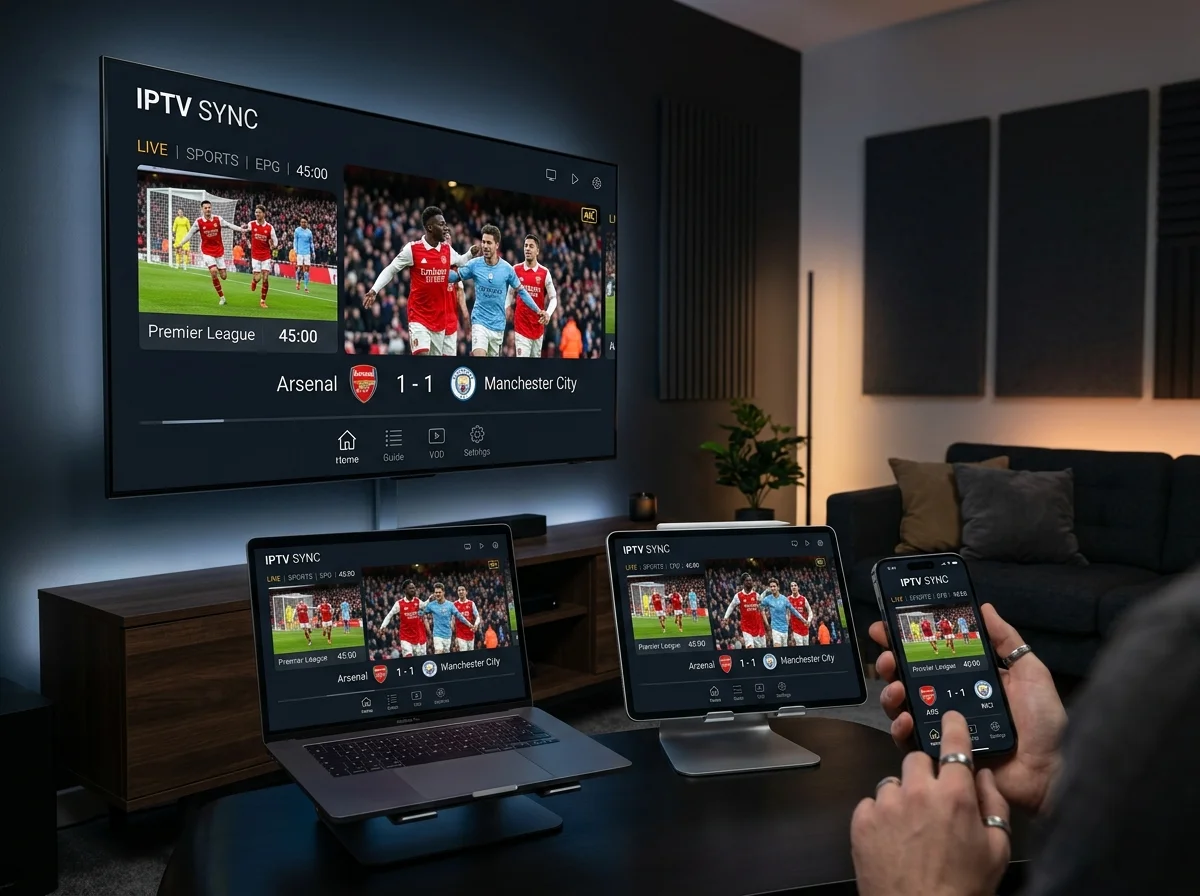
- Multi-Device Access — one subscription, multiple simultaneous screens across all platforms
- Catch-Up TV — never miss an episode, rewatch content from the past 7 days
- UK-Based Technical Support — instant WhatsApp and Telegram assistance 7 days a week
- Regular App Updates — continuous improvements for stability, new features, and compatibility
- Universal Compatibility — Firestick, Android TV, iOS, Windows, MAG Box, Enigma2, and Roku devices
Minimum System Requirements
Before downloading, confirm your device meets the following technical requirements for the best streaming experience.
Frequently Asked Questions
Quick answers about downloading and activating Sky Glass IPTV. Still have a question? Get in touch.
What is the Sky Glass IPTV downloader code?
The Sky Glass IPTV downloader code is a short numeric code (5293334) used inside the AFTVnews Downloader app on Firestick and Android devices. Entering this code automatically downloads and installs the Sky Glass IPTV APK without needing to type a long URL.
Is Sky Glass IPTV free to download?
Yes — the Sky Glass IPTV application is completely free to download and install. However, to stream live TV channels, movies, and sports content, you need an active Sky Glass IPTV Subscription.
Do I need a VPN to use Sky Glass IPTV?
A VPN is not required to use Sky Glass IPTV. However, using a VPN is recommended to enhance your online privacy, bypass any potential ISP throttling, and protect your streaming activity.
Which devices does Sky Glass IPTV support?
Sky Glass IPTV is compatible with Firestick, Fire TV, Android TV, Android Box, Android smartphones and tablets, iPhone, iPad, Apple TV, Samsung Smart TV, LG Smart TV, MAG Box, Enigma2 receivers, Windows PC, Mac (via BlueStacks), and Roku devices.
What do I do if my downloader code stops working?
Downloader codes can occasionally expire or be updated when a new app version is released. If your current code doesn’t work, contact our WhatsApp support team for the latest working code or direct APK download link.
Can I get a refund if the service doesn’t work?
Yes. In the case of a service issue that our technical team is unable to resolve, a full refund will be provided. See our refund policy for details.
How long does it take to set up the Sky Glass IPTV app?
For most devices, the complete setup process takes under 5 minutes. Downloading and installing the APK takes approximately 1 to 2 minutes, and logging in adds a further minute. Our team is available on WhatsApp to guide you through every step.