Best IPTV Player in 2026: Top Apps for Every Device
The exact same IPTV subscription can feel like a premium cable package or a broken website depending entirely on the app you use to watch it. A premium IPTV player delivers snappy channel switching, an intuitive TV guide, and flawless 4K playback. A poorly optimized app leads to constant buffering and endless frustration—even on a fast internet connection.
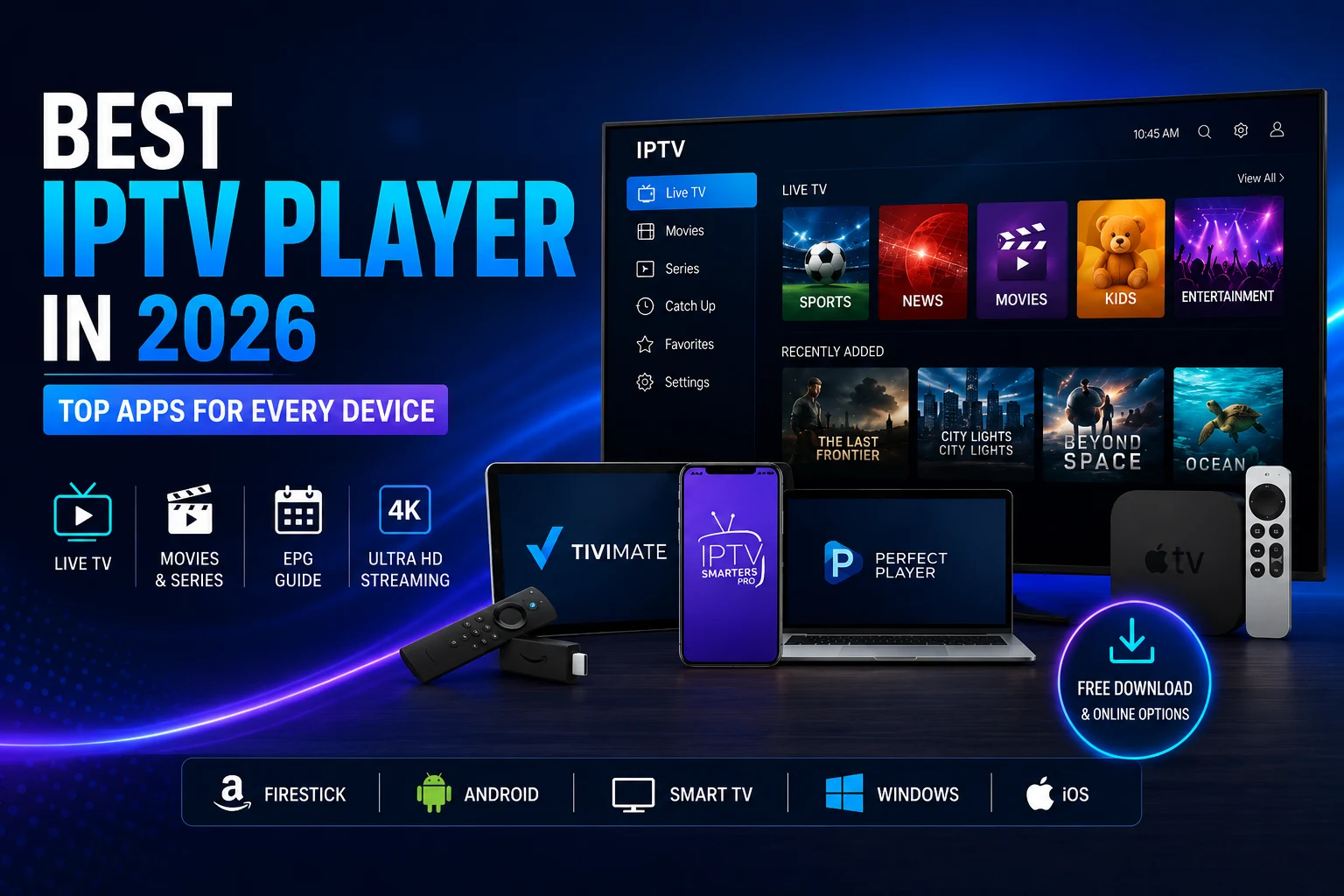
This guide breaks down what an IPTV player does, highlights the best choices for Firestick, Android, Smart TVs, Windows, and iOS, and shows you how to connect your iptv subscription.
1. What Is an IPTV Player?
An IPTV player is software that decodes and displays streaming content on screen.
The Golden Rule of IPTV: The player is the vehicle; your subscription is the fuel.
An IPTV player does not provide channels, movies, or TV shows on its own. It simply organizes and streams the content supplied by your provider, typically using an M3U playlist link or Xtream Codes API login.
A high-quality player enhances your viewing experience by adding features like an Electronic Programme Guide (EPG), customizable favorites, parental controls, and multi-playlist support.
+-----------------------------------------------------------------------+
|                         IPTV PLAYER ARCHITECTURE                      |
+--------------------------+--------------------+-----------------------+
| INPUT DATA               | PROCESSING ENGINE  | DISPLAY OUTPUT        |
+--------------------------+--------------------+-----------------------+
| • M3U Playlist Link      | • Video Decoders   | • Live TV Grid (EPG)  |
| • Xtream Codes Credentials| • XMLTV Parser     | • On-Demand (VOD)     |
| • Stalker Portal MAC     | • HW+ Acceleration | • Multi-Screen View   |
+--------------------------+--------------------+-----------------------+
2. Top IPTV Player Apps Compared
| App Name | Best Platform | Top Feature | Pricing Model |
| TiviMate | Firestick / Android TV | Modern, traditional cable-style EPG grid | Free base / Paid Premium upgrade |
| IPTV Smarters Pro | Cross-platform (iOS, Android, PC) | Multi-device UI consistency & VOD sorting | Free with optional in-app purchases |
| GSE Smart IPTV | Apple Ecosystem (iOS, Apple TV) | Native iOS video engine & AirPlay integration | Freemium |
| Perfect Player | Older Hardware / Windows | Lightweight engine with minimal CPU overhead | Free |
| Sky Glass IPTV App | Firestick / Android TV | Custom luxury UI with live channel previews | Dedicated download |
3. Platform Breakdown
📺 Dedicated Streaming Devices (Firestick & Android TV)
- TiviMate: Considered the gold standard for TV box navigation. Features hardware-accelerated decoding to process heavy 4K streams smoothly and supports cloud backups for multi-device synchronization.
- Sky Glass IPTV App: Designed for users who prefer a modern UK-style interface. Mirrors sleek grid layouts, provides fluid EPG loading, and optimizes channel switching speeds.
Apple Ecosystem (iPhone, iPad, Apple TV, Mac)
- GSE Smart IPTV: Features a native iOS interface, automatic EPG parsing, and cross-device sync across Apple hardware.
Windows 10 & 11 Desktop
You do not need an Android emulator to watch IPTV on a PC:
- IPTV Smarters Pro: Offers a native Windows desktop client with integrated VOD layouts.
- VLC Media Player: Opens M3U playlists directly for simple, low-resource streaming.
- Kodi: Offers a fully customizable TV interface when configured with the IPTV Simple Client add-on.
4. Setup Procedures & Sideloading Safety
Connecting a subscription to your chosen player takes under five minutes:
+-----------------------------------------------------------------------+
|                     4-STEP PLAYER SETUP WORKFLOW                      |
+-----------------------------------------------------------------------+
 [1. Download App] ---> [2. Input Credentials] ---> [3. Sync EPG Data] ---> [4. Organize Favorites]
- Install App: Download your preferred player from your device’s official app store or sideload it using the Downloader utility.
- Authenticate: Open the app and select Add Playlist. Choose either Xtream Codes API (Server URL, Username, Password) or M3U URL.
- Sync Data: Allow 1–2 minutes for the initial fetch of channel lists and program guide databases.
- Organize: Add frequently watched channels to your Favorites category to reduce search times across large channel lists.
Sideloading Rules
When installing APK files on Android or Fire OS devices:
- Source Verification: Only download APK packages from official developer domains.
- Permission Checks: An IPTV player requires network access, but does not need access to your device contacts, SMS, or camera.
- Developer Options: Re-lock “Install Unknown Apps” permissions in system settings once installation is complete.
Frequently Asked Questions
What is the best free IPTV player?
IPTV Smarters Pro and TiviMate offer the most robust free tiers, handling live TV playback and EPG tracking without requiring immediate payment.
Can I use an IPTV player inside a web browser?
Yes. Browser-based IPTV web players allow you to input your subscription credentials and stream directly inside Chrome, Safari, or Edge without installing software.
Do I need a separate subscription for these apps?
Yes. IPTV players are media player tools. You must obtain active subscription access credentials from a provider to load channels and content.