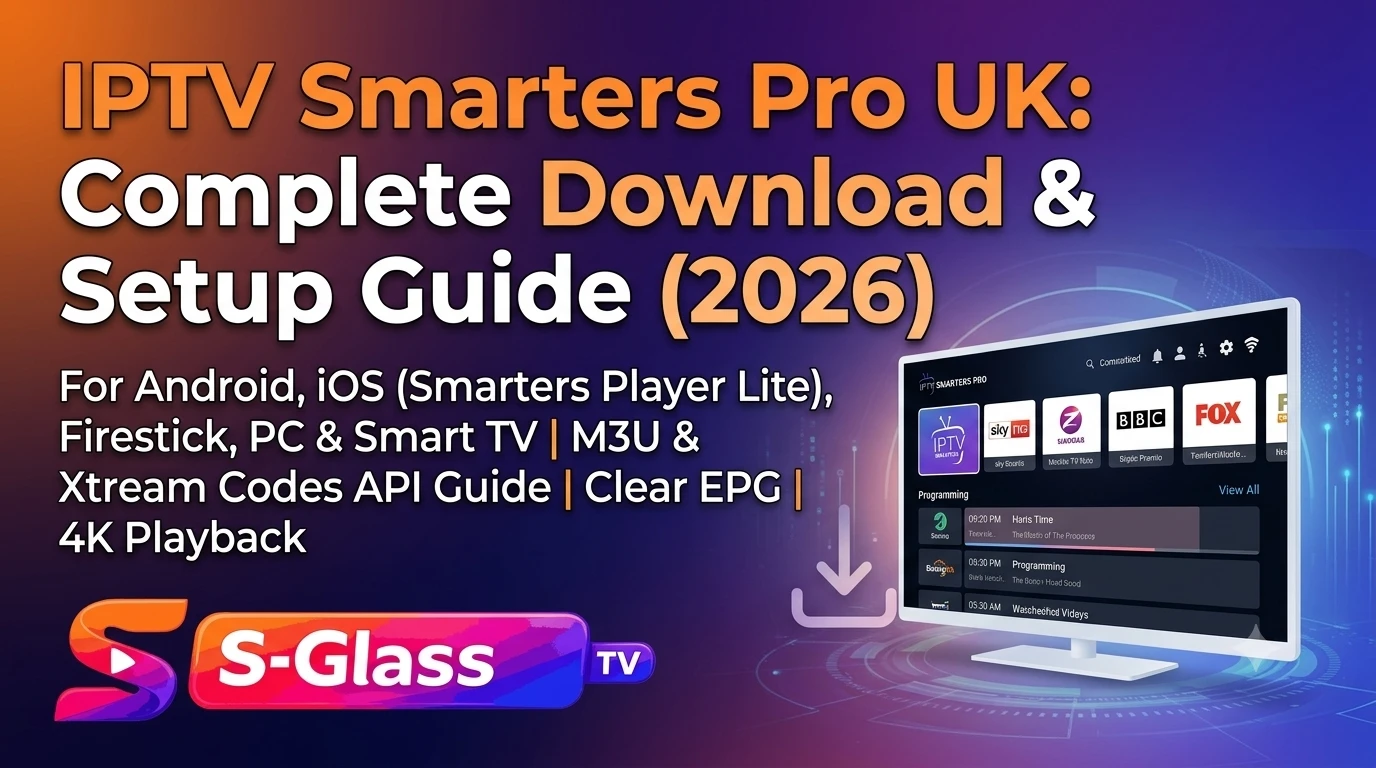
IPTV Smarters Pro UK: Complete Download & Setup Guide (2026)
IPTV Smarters Pro is one of the most widely used media player applications for UK viewers across Android, Fire TV, iOS, Windows, and macOS.
The app functions purely as a video player software engine. It does not supply channels, streams, or video-on-demand (VOD) libraries on its own. You must provide your own active IPTV subscription credentials—typically formatted as an Xtream Codes API (Server URL, Username, Password) or an M3U Playlist Link.
1. Download Links by Device Platform
To avoid fake copies or security risks, download the application from official distribution channels:
+-----------------------------------------------------------------------------------+
|                        OFFICIAL DOWNLOAD CHANNELS & APPS                          |
+-------------------+-----------------------------+---------------------------------+
| PLATFORM          | APP STORE NAME              | INSTALLATION METHOD             |
+-------------------+-----------------------------+---------------------------------+
| Android Phone/Tablet | IPTV Smarters Pro           | Google Play Store            |
| Amazon Firestick  | Downloader / Official APK   | Downloader Sideloading  |
| iPhone / iPad / Mac | Smarters Player Lite       | Apple App Store                 |
| Windows 10 / 11   | Smarters IPTV Pro           | Microsoft Store / Official Build|
| Smart TVs (Android) | IPTV Smarters Pro          | Google Play Store            |
+-------------------+-----------------------------+---------------------------------+
Amazon Firestick & Android TV
- Install the free Downloader application from the Amazon Appstore.
- Open Fire TV settings:
My Fire TV>Developer Options> enableInstall Unknown Appsfor Downloader. - Open Downloader, enter the numeric code or direct URL for the official IPTV Smarters Pro package, and click Install.
Apple iOS & Apple TV
On the Apple App Store, search for Smarters Player Lite (published by Paul Kenneth/SmartersPlayer LLC). It shares the same database engine, Xtream Codes support, and EPG features as the Android build.
Windows PC & Mac
Install directly via the Microsoft Store or download the desktop installer package to run the player natively without an Android emulator.
2. Setting Up Your Subscription
Setting up IPTV Smarters Pro takes under two minutes once you have your provider details:
1.Select Authentication Type:Method Selection.
Launch IPTV Smarters Pro. On the initial setup screen, choose Login with Xtream Codes API (Recommended) or Load Your Playlist or File/URL.
2.Enter Credential Strings:Data Input.
Enter a playlist reference name (e.g., My TV). Carefully type Sky Glass IPTV Username, Password, and Server URL (including the port number, such as :8080).
3.Import Channels & EPG:Database Fetch.
Click Add User. Allow 30 to 60 seconds for the app to download live channel categories, VOD indices, and Electronic Program Guide (EPG) databases.
4.Configure Favorites:Optimization.
Navigate into your channel lists and long-press frequently watched channels to add them to your Favorites menu for quick access.
3. What’s New in Version 5.0+
The Smarters Pro 5.0+ updates introduce several core performance fixes over legacy 3.x and 4.x builds:
- Improved EPG Synchronization: XMLTV guide parsing auto-refreshes in the background without causing interface slowdowns.
- Enhanced Video Decoders: Hardware-accelerated decoding pipelines for stable 60fps 4K video streams.
- Updated VOD Layout: Multi-audio track selection and native subtitle file support for movies and series.
- Player Stability: Resolved crash bugs when loading large channel playlists containing over 10,000 items.
4. Troubleshooting Common Issues
| Symptom | Cause | Resolution |
| “Invalid Details” Error | Typo in login parameters or expired subscription. | Verify case-sensitive characters in password; confirm subscription is active. |
| Buffering / Black Screen | ISP deep packet inspection or local network congestion. | Connect via Ethernet cable; disable ISP security shields (e.g., Sky Shield, Virgin Web Safe). |
| Blank TV Guide (EPG) | EPG database failed to fetch during initial startup. | Go to Settings > Install EPG > click Refresh EPG. |
| App Keeps Closing | Low RAM / clogged application cache. | Go to device settings > Apps > IPTV Smarters Pro > Clear Cache. |
Frequently Asked Questions
Is IPTV Smarters Pro completely free?
Yes. The core player functionality is free to download and use across platforms. Optional in-app purchases unlock ad-free viewing or advanced multi-screen layouts on specific platforms.
Does IPTV Smarters Pro come with free channels?
No. IPTV Smarters Pro is strictly a media player tool. You must obtain an M3U playlist link or Xtream Codes API profile from an Sky Glass IPTV subscription provider to stream content.
Can I run IPTV Smarters Pro on a Samsung or LG Smart TV?
Yes. You can install IPTV Smarters Pro directly from the Samsung Galaxy/Tizen App Store or LG webOS Content Store. If unavailable in your region, connect an external Amazon Firestick or Google TV device to your television.