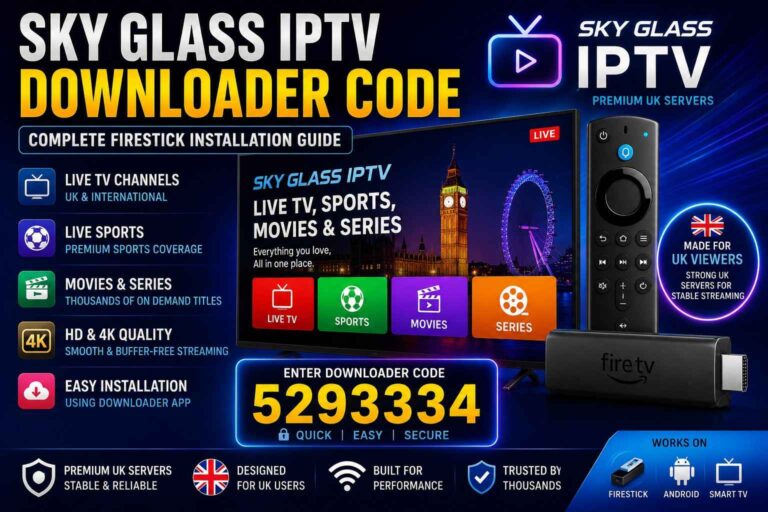
IPTV App Downloader Code 2026: Free & Working Codes for Firestick
Downloader codes simplify sideloading application package files (APKs) on Fire TV and Android TV platforms by replacing full length URLs with numeric shortcuts.
Below is a breakdown of how the Downloader shortcode system functions, security best practices for sideloading, and standard setup procedures.
1. How AFTVnews Downloader Shortcodes Work
The Downloader application (developed by AFTVnews) uses a redirect service that maps numeric codes to destination web URLs.
+-------------------+      Numeric Shortcode Mapping      +-------------------+
|  Downloader App   |  =================================> | AFTVnews Redirect |
|  (User Device)    |  <================================= | Server Database   |
+-------------------+       Target Direct APK Link        +-------------------+
                                    |
                                    v
                          +-------------------+
                          | Content Delivery  |
                          | Network (CDN Host)|
                          +-------------------+
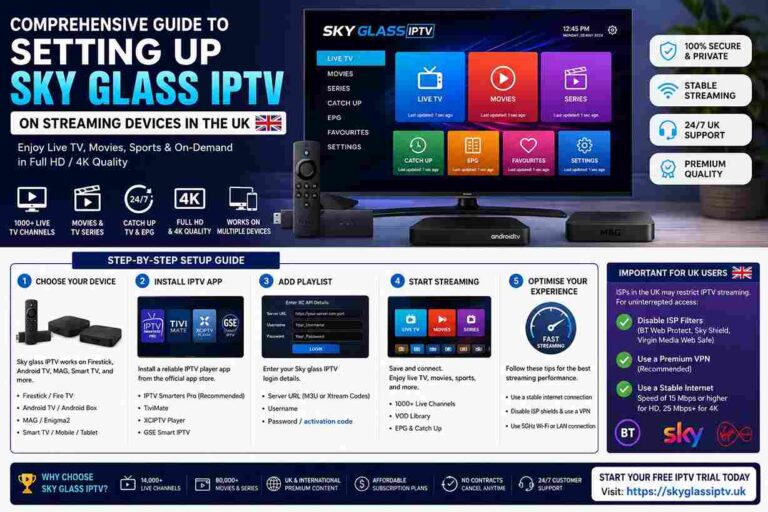
When you type a numeric code into the application, Downloader queries its central redirect table, retrieves the mapped target URL, and initiates the transfer of the .apk file directly to local storage and then we can install apps, like Sky Glass IPTV.
2. Sideloading Setup Guide (Fire OS & Android TV)
To install software outside of official app stores, you must grant temporary execution permissions to the Downloader application.
- Enable Developer Options (Fire OS 8+ / Android TV 11+):
- Go to Settings > My Fire TV (or Device Preferences) > About.
- Highlight the main build name and press the center button on your remote 7 times until the screen displays “No need, you are already a developer.”
- Grant Installation Permissions:
- Return to Settings > My Fire TV > Developer Options.
- Select Install Unknown Apps (or Apps from Unknown Sources).
- Toggle the permission to ON specifically for the Downloader application.
- Install Package:
- Launch Downloader, enter the direct numerical shortcode or target URL into the address bar, and select Go.
- Once the package file finishes downloading, select Install.
- Security Clean-up: After installation completes, select Delete on the Downloader prompt to remove the installer file and free up flash memory.
3. Best Practices for APK Security
Sideloading applications bypasses standard store security scans (such as Amazon Appstore or Google Play Protect screening). To keep your device secure:
| Security Domain | Risk Factor | Mitigation / Best Practice |
| Source Verification | Altered APKs with embedded malware or keyloggers | Only use codes or direct links sourced directly from verified developer domains. |
| Permissions Audit | Over-privileged applications requesting contact, SMS, or camera access | Check Android permissions on launch. Media players only require network access. |
| System Settings | Leaving “Unknown Sources” enabled continuously | Turn off “Install Unknown Apps” in developer settings immediately after finishing an install. |
| Data Security | ISP monitoring and deep packet inspection | Use encrypted connections on public or restricted networks when transferring data. |
Frequently Asked Questions
Why does a Downloader code stop working or throw a 404 error?
Shortcodes expire or fail if the app developer changes their web hosting server, renames the target .apk package, or updates the redirect entry on the AFTVnews database. If a code fails, enter the direct web URL in Downloader instead.
Can Downloader shortcodes be used on Samsung or LG Smart TVs?
No. Downloader shortcodes rely on the Downloader app, which is built exclusively for Android OS and Fire OS. Samsung (Tizen OS) and LG (webOS) use distinct operating systems that do not support standard Android .apk files.
Where can I check if an APK file is safe before opening it?
You can download the APK package to a computer or mobile device first and scan it using multi-engine security scanners like VirusTotal before running the installer on your TV hardware.