IPTV Box UK: The Complete Buying Guide for 2026
More UK households are dropping cable and satellite in 2026, and the small streaming device sitting behind the TV is doing most of the work in making that switch feel seamless. But not every IPTV box performs the same way – the wrong choice means buffering, laggy menus, and a frustrating viewing experience, even with a great subscription behind it. This guide covers what an IPTV box actually is, the main types available, what to look for, realistic UK pricing, and how to pick one that handles live football without dropping frames.
What Is an IPTV Box?
An IPTV box is a small streaming device that plugs into your television, usually over HDMI, and connects to the internet either over Wi-Fi or Ethernet. Instead of pulling channels from a satellite dish or aerial, it streams them over your home broadband, exactly the same way Netflix or YouTube works on a Smart TV. Its only job is to run your chosen IPTV box app smoothly and decode the video feed without dropping frames.
Types of IPTV Box: Which Shape Do You Need?
Streaming Sticks
These plug directly into your TV’s HDMI port and are the cheapest, smallest option. They’re a good entry point for casual viewing, but their limited processing power and RAM can struggle once you load a large channel list or push 4K sport.
Android TV / Cube Boxes
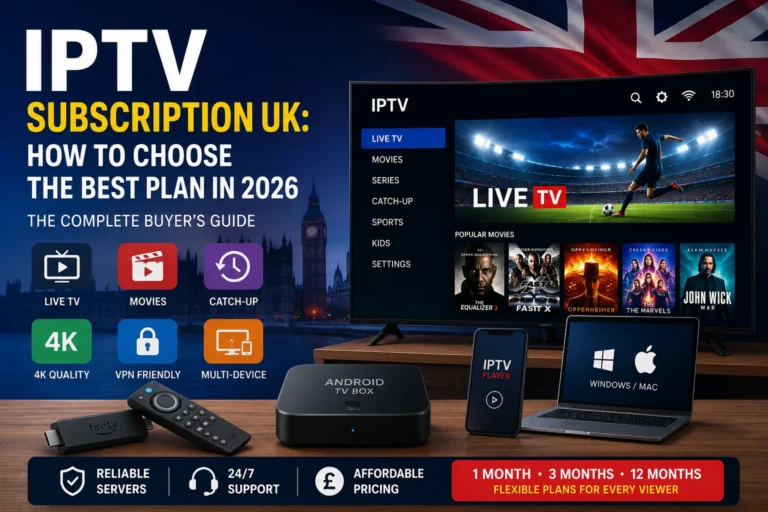
A dedicated Android TV box gives you a proper processor, more RAM, and full flexibility to install any IPTV box app you like from the Play Store or by sideloading. This is the sweet spot for most UK IPTV viewers – enough power for smooth 4K playback without the higher cost of premium hardware.
Set-Top Boxes (MAG, Formuler, Enigma2)
Purpose-built set-top devices are designed specifically for IPTV from the ground up, often with a dedicated remote, built-in EPG handling, and portal-style logins rather than a general Android interface. They tend to cost more but suit viewers who want the closest experience to a traditional cable box.
Best IPTV Box Features to Look For
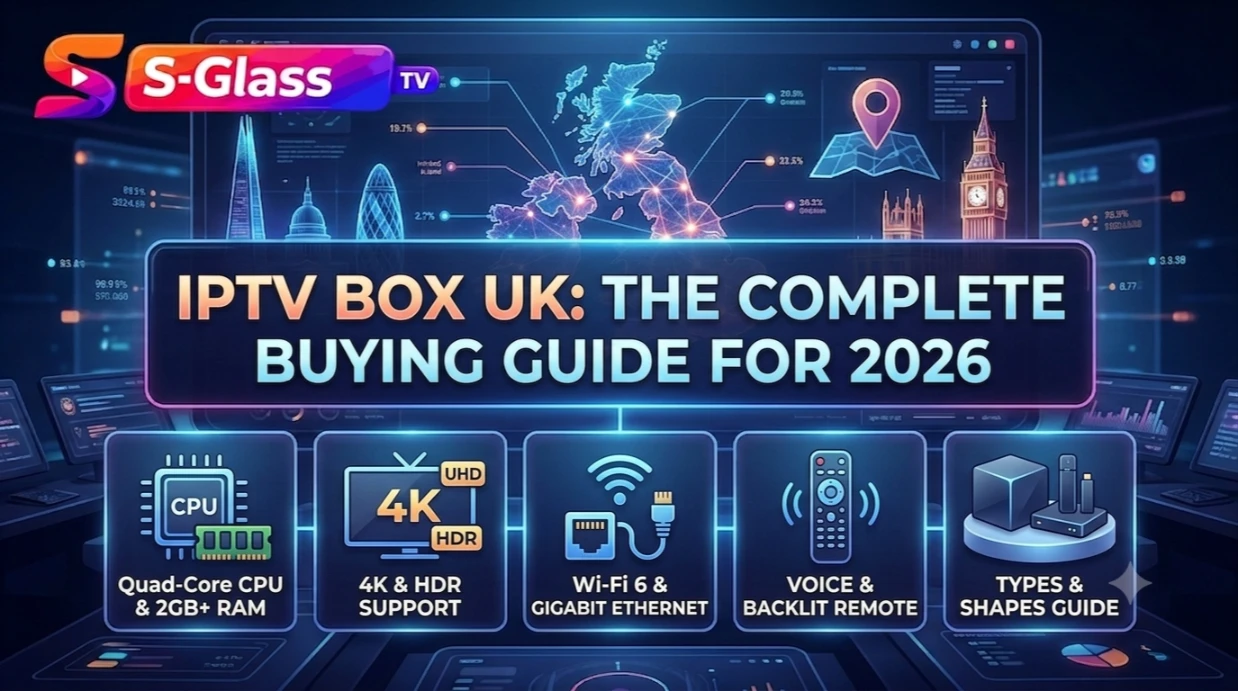
- A quad-core processor or better, so channel switching and EPG loading feel instant
- At least 2GB RAM for smooth performance with larger channel lists
- 4K and HDR support if your subscription includes 4K channels
- Wi-Fi 6 or a wired Ethernet option for the most stable connection
- Enough storage to install more than one IPTV box app comfortably
- A backlit or voice remote if you plan to use it as your main living room device
IPTV Box Price in the UK: What You’ll Actually Pay
IPTV box price in the UK varies widely depending on which type you choose. Budget streaming sticks sit at the lower end and are fine for light, casual use. Mid-range Android TV boxes cost more but deliver noticeably smoother performance for everyday live TV and sport. Premium set-top boxes and high-end Android TV devices sit at the top of the market and are aimed at viewers who want the best possible picture quality and app flexibility, or who plan to run additional software like a media server alongside their IPTV box.
IPTV Box for Football: What Matters Most
Live football is the toughest test for any IPTV box, since a dropped frame or a few seconds of buffering during a fast break or a goal is far more noticeable than it is on a film. For the smoothest football streaming:
- Choose a box with a strong processor – sport is more demanding on hardware than static channels or on-demand content
- Use a wired Ethernet connection where possible instead of relying on Wi-Fi during peak match hours
- Make sure your broadband speed comfortably covers HD or 4K streaming with some headroom during busy Saturday afternoons
- Pick an IPTV box app with adaptive playback, so quality adjusts smoothly rather than freezing outright if your connection dips
IPTV Box App: Which Player Works Best
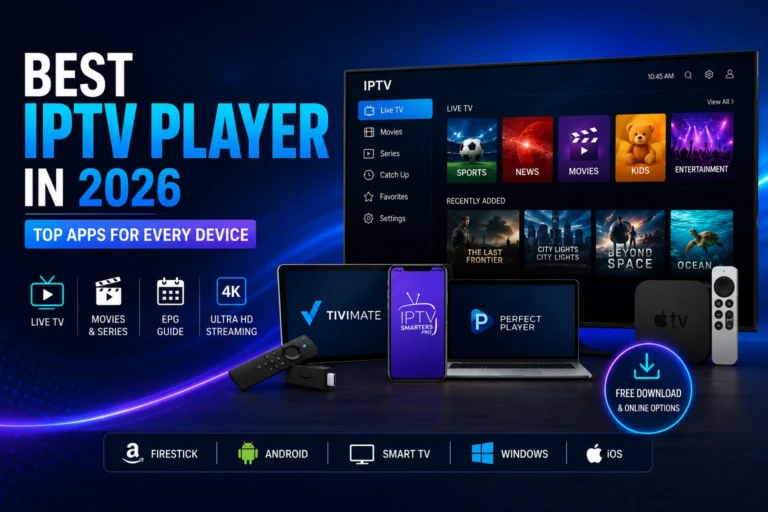
The box itself is only half the equation – the app you run on it decides how good the actual viewing experience feels. Most UK viewers land on either IPTV Smarters Pro for its consistency across devices, or a more customisable option like TiviMate on Android-based boxes. If you want a full breakdown of the top apps by platform, our guide to the best IPTV players covers each one in detail.
How to Set Up Your IPTV Box
- Connect your box to the TV via HDMI and to your network via Wi-Fi or Ethernet
- Download your chosen IPTV box app from the Play Store, or sideload it using the Downloader app if it isn’t listed
- Enter your M3U playlist link or Xtream Codes login from your IPTV subscription
- Let the app load your channels and EPG data, then set up your favourites
If you’re setting this up for the first time, our installation guide walks through the process step by step.
Frequently Asked Questions
What is the best IPTV box for football?
A mid-range or premium Android TV box with a strong processor, paired with a wired Ethernet connection, gives the most reliable performance for live football and other fast-moving sport.
How much does an IPTV box cost in the UK?
Prices range from budget streaming sticks at the lower end up to premium Android TV and set-top boxes at the higher end, depending on processing power, storage, and features.
Do I need to buy a separate app for my IPTV box?
In most cases, yes – the box is the hardware, and you’ll still need to install an IPTV box app such as IPTV Smarters Pro or TiviMate to actually load and play your subscription.
Can I use my Smart TV instead of a separate IPTV box?
You can, but most Smart TV operating systems are slower, receive fewer updates, and support fewer apps than a dedicated IPTV box, so performance is often noticeably better with separate hardware.
Is a more expensive IPTV box worth it?
If you watch a lot of live sport in 4K or run multiple apps at once, a stronger processor and more RAM make a real difference. For lighter, casual viewing, a budget option is often perfectly adequate.
Ready to Get Started?
Once you’ve picked your IPTV box, all you need is a reliable subscription behind it. Browse our IPTV subscription plans, then follow our installation guide to get streaming in minutes.