
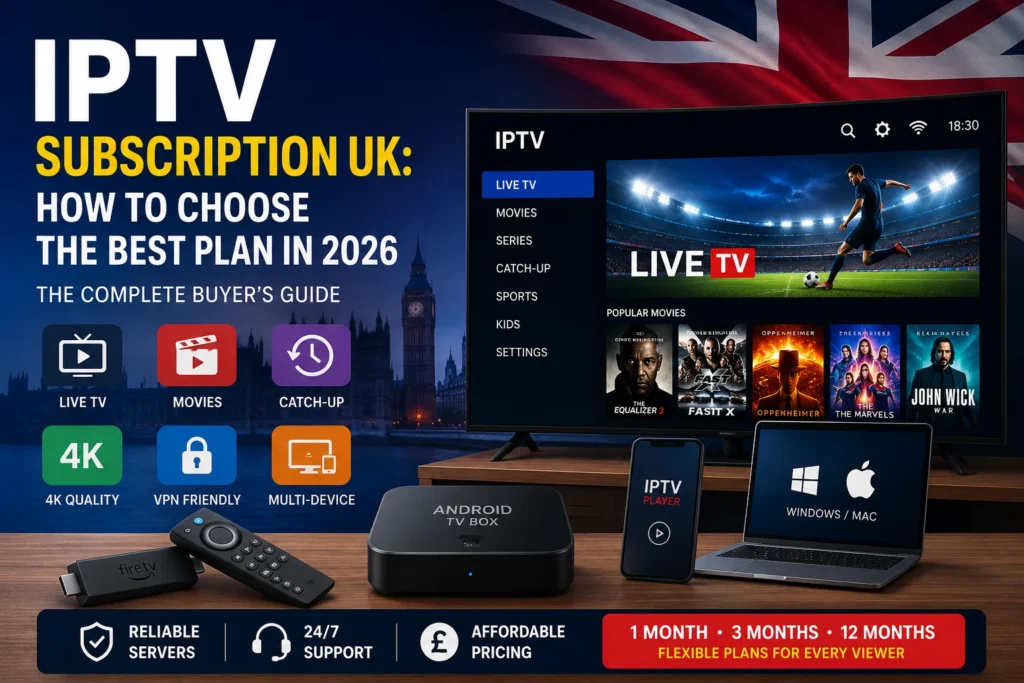
IPTV Subscription UK: How to Choose the Best Plan in 2026
Here is a breakdown of the key takeaways from this guide on choosing and setting up an IPTV subscription in the UK.
1. UK IPTV Pricing & Performance Tiers
Pricing generally reflects server allocation and capacity during high-demand events like live weekend sports.
| Tier | Avg. Cost | Server Performance & Capacity | Best For |
| Budget | £5 – £8 / mo | Higher risk of buffering during peak hours due to heavily shared servers. | Basic casual viewing; testing secondary screens. |
| Mid-Range | £9 – £14 / mo | Balanced server infrastructure with native 4K capability and stable uptime. | Primary household viewing and live sports. |
| Premium | £15+ / mo | Priority bandwidth routing, multiple simultaneous connections, and active support. | Multi-room households needing multi-device streams. |
2. Choosing Between 1-Month and 12-Month Plans
- 1-Month Plan (Verification Phase): Test server performance on your home broadband line during high-traffic windows (such as Saturday afternoon football kickoffs) before making a long-term financial commitment.
- 12-Month IPTV Plan (Value Phase): Once you’ve confirmed connection stability and EPG reliability on your specific hardware, an annual plan significantly lowers your effective monthly cost.
3. Network & ISP Optimization in the UK
Major UK Internet Service Providers (ISPs) like Sky, Virgin Media, and BT deploy automated traffic filtering and deep packet inspection during major broadcasts.
Key Performance Tip: If streams buffer during high-profile live broadcasts while your broadband speed test remains normal, your ISP may be throttling streaming traffic. Disabling provider security shields (e.g., Sky Broadband Shield, Virgin Web Safe) or routing traffic through a lightweight WireGuard-based VPN prevents artificial speed caps.
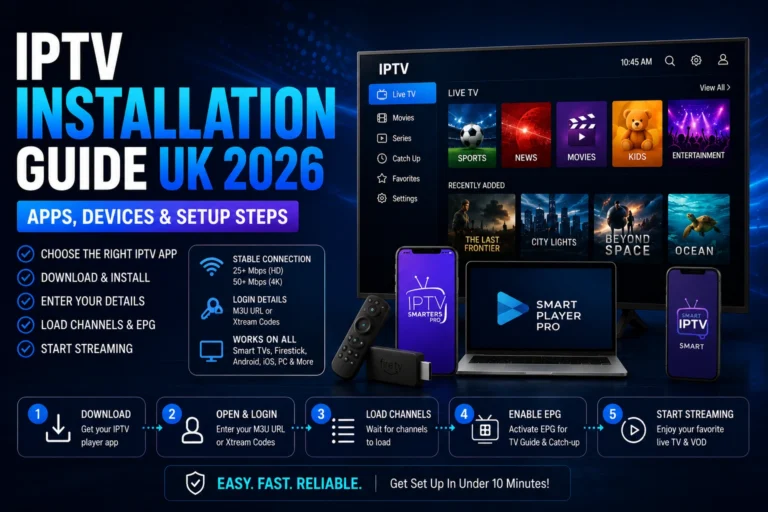
4. Hardware & Setup Steps
- Select Hardware: Firestick and Android TV devices offer the simplest setup for dedicated player applications like TiviMate or IPTV Smarters Pro.
- Enable Sideloading: Turn on “Apps from Unknown Sources” within developer options to allow package installers.
- Deploy Player & Credentials: Load your subscription credentials using either an Xtream Codes API (
Server URL,Username,Password) or an M3U Playlist URL.