IPTV Box UK: The Complete Buying Guide for 2026
Choosing the right IPTV box can make a major difference to your viewing experience in the UK. A suitable device can provide smoother navigation, faster channel loading, reliable HD and 4K playback, and better performance during live football. This guide explains what an IPTV box is, the main types available, the features worth checking, realistic IPTV box price expectations in the UK, and how to choose hardware that works well with your IPTV subscription.
What Is an IPTV Box?
An IPTV box is a compact streaming device that connects to your television through HDMI and accesses content through your internet connection. It can use Wi-Fi or a wired Ethernet connection to receive IPTV streams instead of relying on a satellite dish or traditional aerial. The main purpose of an IPTV box is to run compatible applications, process the incoming stream, and provide smooth playback on your television.
Types of IPTV Box: Which Shape Do You Need?
Streaming Sticks
Streaming sticks connect directly to an available HDMI port and offer a compact way to access IPTV services. They are suitable for casual viewers who want simple installation and low-cost hardware. However, entry-level models may have less RAM and processing power, which can affect performance when loading large channel lists or streaming demanding 4K sport.
Android TV / Cube Boxes
An Android TV or cube-style IPTV box provides more processing power, memory, and application flexibility than many basic streaming sticks. You can install IPTV box apps from supported app stores or use sideloading where appropriate. This type of hardware is a strong option for UK IPTV viewers who want smooth live TV, sport, HD playback, and 4K streaming.
Set-Top Boxes (MAG, Formuler, Enigma2)
Dedicated set-top boxes such as MAG, Formuler, and Enigma2 devices are designed with television streaming in mind. They often provide dedicated remotes, EPG support, and portal-based IPTV configuration rather than relying entirely on a general Android interface. These IPTV boxes can suit viewers who prefer a traditional set-top box experience with dedicated streaming controls.
Best IPTV Box Features to Look For
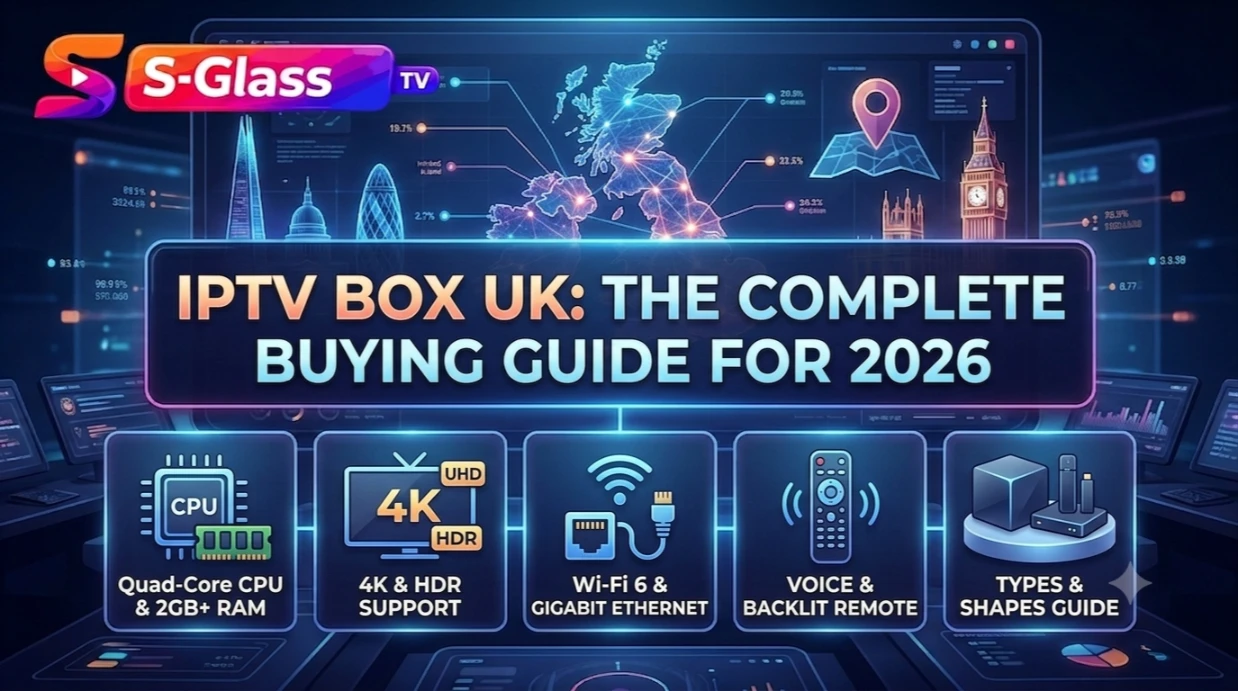
- A quad-core processor or better for responsive menus, quick channel changes, and smooth EPG loading
- At least 2GB RAM to handle larger channel lists and multiple IPTV box apps more comfortably
- 4K and HDR support when your IPTV subscription and television support compatible content
- Wi-Fi 6 or a wired Ethernet connection for a more stable IPTV streaming connection
- Sufficient internal storage for IPTV box apps, updates, and other streaming applications
- A responsive remote control with voice or backlit functions if the device will be your main home entertainment system
IPTV Box Price in the UK: What You’ll Actually Pay
IPTV box price in the UK depends on the device type, processor, storage, operating system, and available features. Entry-level streaming sticks are usually suitable for basic IPTV viewing, while mid-range Android TV boxes offer stronger performance for regular live television and sport. Premium Android TV hardware and dedicated set-top boxes can cost more, but they may provide better processing performance, additional storage, improved connectivity, and greater flexibility for demanding users.
IPTV Box for Football: What Matters Most
Live football places greater demands on your IPTV box because fast movement makes buffering, frame drops, and playback interruptions much easier to notice. If football is a major part of your viewing, focus on hardware performance and network stability. For smoother football streaming:
- Choose an IPTV box with a capable processor to handle live sport and high-resolution playback efficiently
- Use wired Ethernet whenever practical for a consistent connection during busy match periods
- Make sure your broadband connection has enough capacity for the resolution you plan to stream, particularly with 4K football
- Select an IPTV box app with reliable playback controls and suitable buffering options for changing network conditions
IPTV Box App: Which Player Works Best
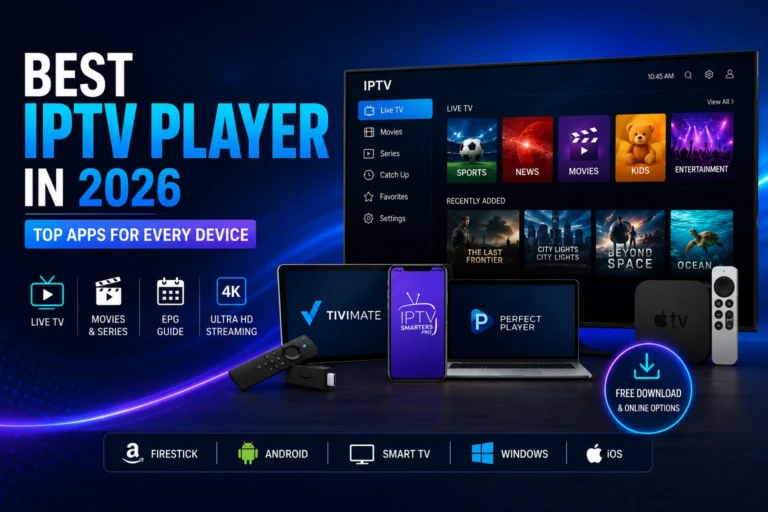
The IPTV box provides the hardware, but the application you use controls much of the everyday viewing experience. Many UK viewers choose IPTV Smarters Pro because of its broad device compatibility, while Android-based IPTV boxes also support flexible players such as TiviMate. If you want to compare different applications, our guide to the best IPTV players explains the main options and their features.
How to Set Up Your IPTV Box
- Connect your IPTV box to your television using HDMI and connect it to your broadband through Wi-Fi or Ethernet
- Install your preferred IPTV box app through the available app store or use the Downloader app for supported sideloading installations
- Enter the M3U playlist URL or Xtream Codes credentials supplied with your IPTV subscription
- Allow the application to synchronise your channels and EPG information before organising your favourite channels
If you are installing IPTV for the first time, our installation guide provides a straightforward step-by-step setup process for compatible devices.
Frequently Asked Questions
What is the best IPTV box for football?
A good mid-range or premium Android TV box with a capable processor and reliable Ethernet connection can provide strong performance for live football and other fast-moving sports. Your IPTV subscription and broadband connection also affect the overall viewing experience.
How much does an IPTV box cost in the UK?
IPTV box prices in the UK vary according to hardware specifications and features. Basic streaming sticks generally cost less, while Android TV boxes and dedicated set-top devices can cost more because they offer stronger processors, additional storage, better connectivity, or specialist IPTV functions.
Do I need to buy a separate app for my IPTV box?
Many IPTV boxes require a compatible IPTV box app to load and play your subscription. Depending on the device, you may be able to use applications such as IPTV Smarters Pro or TiviMate, provided they are compatible with your operating system.
Can I use my Smart TV instead of a separate IPTV box?
Yes. A compatible Smart TV can run IPTV applications without additional hardware. However, a dedicated IPTV box can provide more application flexibility, stronger processing performance, additional storage, and easier upgrades when your Smart TV operating system has limited app support.
Is a more expensive IPTV box worth it?
A more powerful IPTV box can be worthwhile if you regularly watch 4K content, live football, or use several applications. Casual viewers may not need premium hardware, so choosing a device that matches your actual viewing requirements can provide better value.
Ready to Get Started?
Once you have selected a suitable IPTV box, you can pair it with a reliable IPTV subscription and begin setting up your channels. Browse our IPTV subscription plans, then use our installation guide to configure your compatible IPTV box and start streaming.