IPTV App Downloader Code 2026: Free & Working Codes for Firestick
Downloader codes provide a convenient way to install APK files on Fire TV and Android TV devices without manually entering long web addresses. Instead of typing a complete download URL, users can enter a short numerical code into the Downloader app.
This guide explains how the Downloader shortcode system works, how to use Downloader codes for APK installation, and the security steps you should follow when sideloading applications onto compatible streaming devices.
1. How AFTVnews Downloader Shortcodes Work
The Downloader application, developed by AFTVnews, uses numerical shortcuts to redirect users towards specific web addresses. This makes downloading APK packages considerably easier on Firestick and Android TV devices.
+-------------------+      Numeric Shortcode Mapping      +-------------------+
|  Downloader App   |  =================================> | AFTVnews Redirect |
|  (User Device)    |  <================================= |  Server Database  |
+-------------------+       Target Direct APK Link        +-------------------+
                                    |
                                    v
                          +-------------------+
                          | Content Delivery  |
                          | Network (CDN Host)|
                          +-------------------+
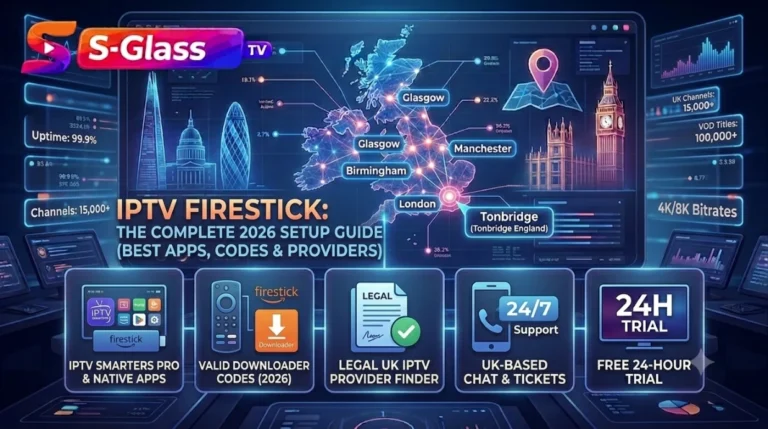
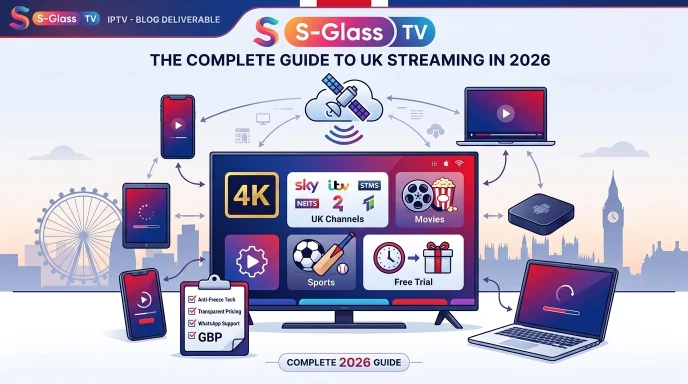
When you enter a numerical code into the Downloader application, the service looks up the corresponding destination URL. Downloader then opens the destination and allows the relevant .apk file to be downloaded onto the device. This method can also be used to install compatible applications, including Sky Glass IPTV.
2. Sideloading Setup Guide (Fire OS & Android TV)
Installing an APK outside an official application store requires the device to permit installation from an external source. The required settings vary slightly between Fire OS and Android TV versions.
- Enable Developer Options (Fire OS 8+ / Android TV 11+):
- Open Settings and select My Fire TV or Device Preferences, then open About.
- Highlight the device or build information and press the centre button on your remote 7 times until developer mode becomes available.
- Grant Installation Permissions:
- Return to Settings > My Fire TV > Developer Options.
- Open Install Unknown Apps or Apps from Unknown Sources, depending on your device software.
- Allow the permission specifically for the Downloader application.
- Install Package:
- Open Downloader, enter the relevant numerical shortcode or direct APK URL, and select Go.
- Wait for the APK package to download, then select Install when the installation prompt appears.
- Security Clean-up: Once the application has installed successfully, choose Delete when Downloader offers to remove the downloaded APK file and recover storage space.
3. Best Practices for APK Security
Sideloading allows users to install applications that may not appear in official app stores. Because external APK files do not always receive the same screening as applications from the Amazon Appstore or Google Play, take sensible security precautions before installing them.
| Security Domain | Risk Factor | Mitigation / Best Practice |
| Source Verification | Modified APK files may contain unwanted software or malicious components | Use Downloader codes and direct APK links from trusted and verified sources whenever possible. |
| Permissions Audit | Some applications may request permissions that are unnecessary for their intended function | Review Android permissions carefully and avoid granting access that the application does not reasonably require. |
| System Settings | Leaving external installation permissions enabled unnecessarily | Disable “Install Unknown Apps” permissions for Downloader after completing the APK installation. |
| Data Security | Untrusted networks can expose sensitive account or browsing information | Use secure internet connections and avoid entering sensitive credentials into unknown applications. |
Frequently Asked Questions
Why does a Downloader code stop working or throw a 404 error?
A Downloader code can stop working when the destination URL changes, an APK file is moved, or the shortcode redirect is no longer active. If a numerical code returns a 404 error, check whether the provider has supplied an updated Downloader code or enter the current direct web URL into Downloader instead.
Can Downloader shortcodes be used on Samsung or LG Smart TVs?
No. Downloader shortcodes depend on the Downloader application and compatible Android-based operating systems. Samsung Smart TVs use Tizen OS, while LG Smart TVs use webOS, so these platforms do not normally support Android .apk installation through Downloader.
Where can I check if an APK file is safe before opening it?
You can download the APK package to a computer or mobile device first and scan it with a multi-engine security service such as VirusTotal before transferring or installing it on your Firestick or Android TV hardware.